
02

Outbound sales and lead qualification

OMO calls on behalf of your company, follows a guided script, responds to objections, gauges interest and sends only the necessary follow-up.

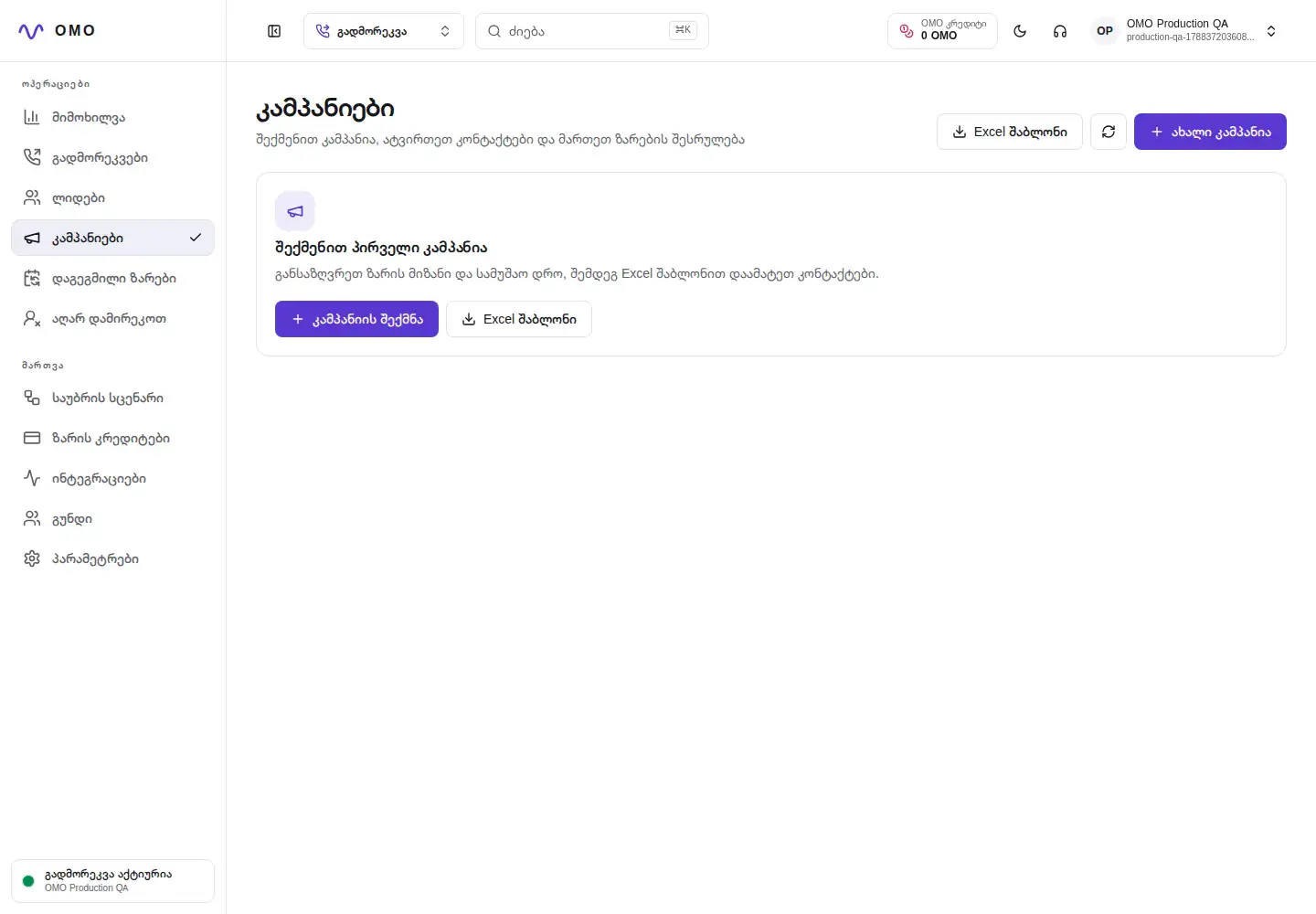
Dashboard of real OMO outbound campaigns with demo data
Real OMO panel · Secure demo data

Who is it for?

For sales and service teams who need to consistently call an agreed audience and get results in a structured way.

Connect qualification to your team's next step with lead follow-up and sales-team handoff.

Final outcome

Structured lead, conversation summary, evaluation and specific next step.

What does it solve?

Problems that go beyond the call.

  1. 01

    Manual processing of Excel lists and uneven call rates

  2. 02

    Inconsistent accounting of lead interest and next step

  3. 03

    Loss of rejection, call-back and do-not-call requests

  4. 04

    Not seeing the progress of the campaign in real time

Conversation architecture

One call—from request to confirmed action.

  1. 01

    Campaign preparation

    Audience, purpose, offer and time frame.

  2. 02

    natural conversation

    A brief introduction, need discovery and objection handling.

  3. 03

    qualification

    Assessment of interest, need, timing and decision-maker role.

  4. 04

    Next action

    Schedule a demo, transfer the call, arrange a callback, or close the conversation politely.

  5. 05

    Save the result

    Structured lead, conversation summary, evaluation and specific next step.

Conversation example

Natural language with clear operational meaning.

Caller

I'm interested, but I don't have time this week.

OMO

Understood. Which day would suit you for a short, 15-minute demo?

Interested lead — requested a callback

Operator control

What the team manages in the dashboard

  • Campaign creation, scheduling, call attempts, and concurrency
  • Excel preview, validation, import and export
  • Full contact life cycle
  • Lead evaluation, objections, callbacks and responsible operator

Reliable behavior

Guardrails that belong in every workflow

  • The call starts only during the permitted hours and working days
  • The do not call request is also checked in the following campaigns
  • Interest is formed only from the said answer
  • An uncertain result is not considered a qualified lead

Integration points

SIP providerCRMWebhookExcelCalendarOMO credits

Where is it used?

A starting point for your workflow, branches and business rules.

01B2B sales
02Upgrade offers
03Lead qualification
04Dormant lead reactivation

Frequently Asked Questions

Important answers before launch.

Can I call with my own SIP number?

Yes. A SIP connection is added to the workspace and a specific number is assigned to the corresponding campaign and agent.

How is the contact list loaded?

The spreadsheet is previewed and validated first. Invalid and duplicate entries are shown before the import is confirmed.

What do I get after the call?

The outcome of the conversation, the summary, the evaluation of the lead, the identified need, the objections and the next action.

Outbound sales — hear it in your real scenario

Tell us how your calls work today, and we will map the first voice workflow around your real requirements.